

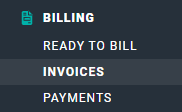
Figure 1 - Select Invoices to Administer Invoices in your Workspace
- To view the invoices list (Figure 2), you must have the View published invoices permission on your security role.
- To create or edit draft invoices, you must have the Create and edit draft invoices permission.
- To publish invoices and send them to clients, you must have the Publish and send invoices, and record payments permission.
- Current invoices in green
- Invoices 1-30 days past due in yellow
- Invoices greater than 30 days past due in red
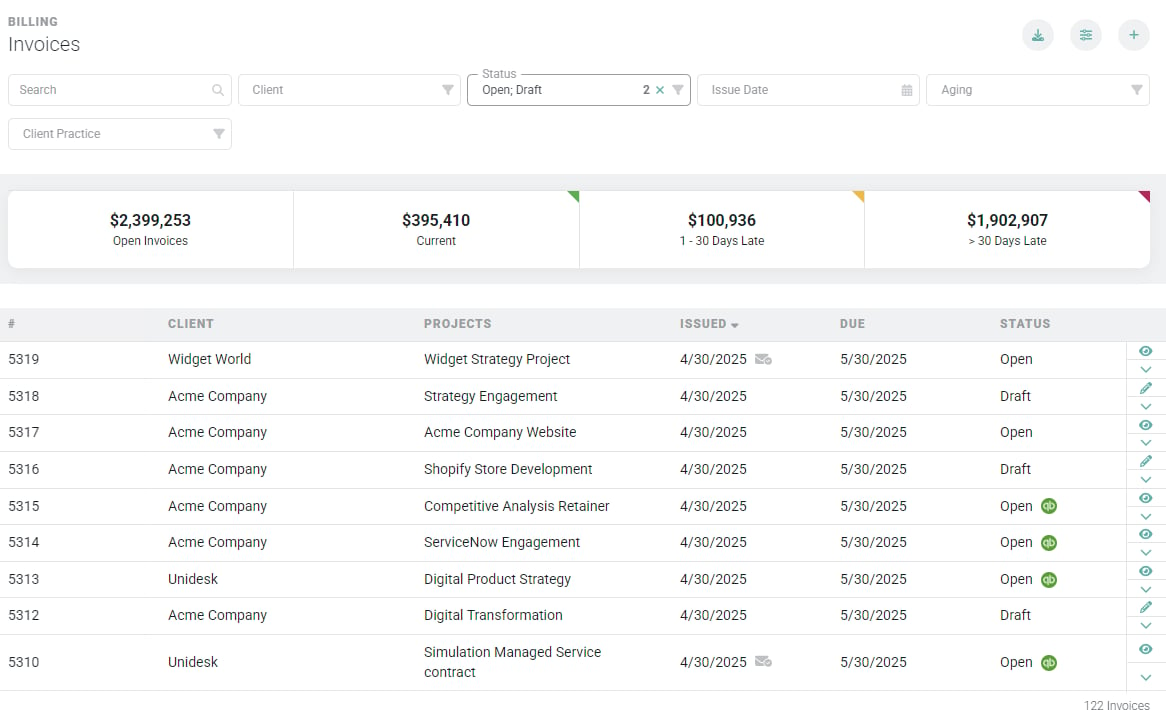
Figure 2 - Invoices List
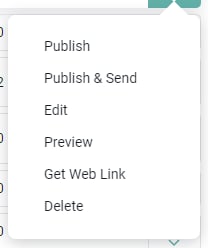
Figure 3 - Action Menu for a Draft Invoice
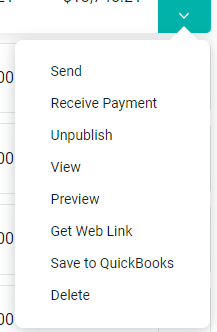
Figure 4 - Action Menu for an Open Invoice
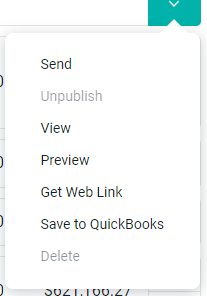
Figure 5 - Action Menu for a Published and Paid Invoice