

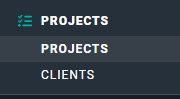
Figure 1 - Select Projects to View the Project List
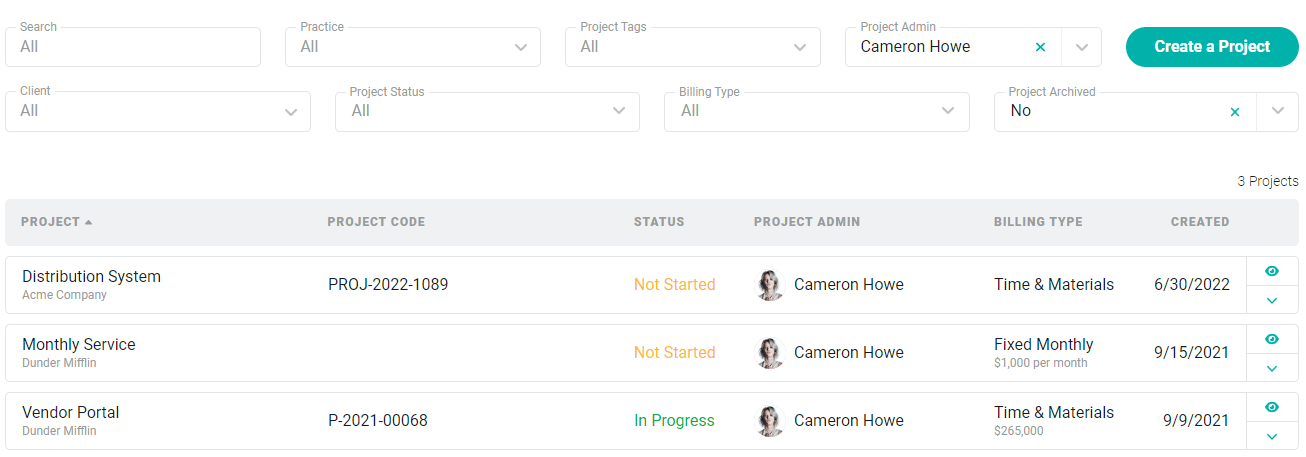
Figure 2 - Project List
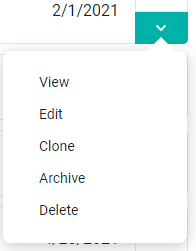
Figure 3 - Action Menu for Projects in the Project List
Archiving a Project
In order to archive a project, you must have the Delete or archive project permission. Simply click the Archive menu option (Figure 3) on the intended client row. This will bring up a confirmation window (Figure 4).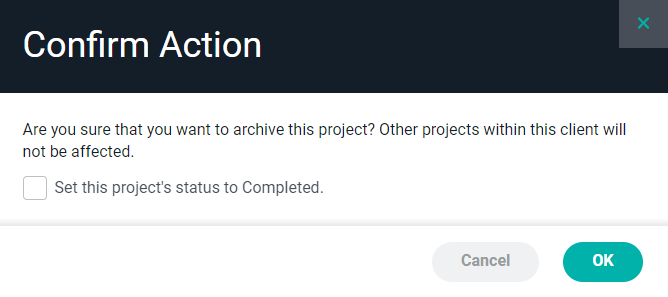
Figure 4 - Confirm your Action to Archive a Project
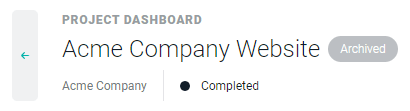
Figure 5 - An Archived Status Displays on the Project Dashboard
Deleting a Project
In order to delete a project, you must have the Delete or archive project permission. Deleting a project should be a rare action and is usually done to correct a mistake or duplicate. Once a project has time or expenses, it is recommended that the project be archived instead of deleted. Projects with invoices, credit notes, or opportunities cannot be deleted and can only be archived. To delete a project, simply click the Delete menu option (Figure 3) on the project row. You can also use the Delete button at the bottom-left of the project’s Settings tab. If there are not associated tasks, allocations, time entries, expenses, etc. simply click the Delete menu option (Figure 3) on the client row.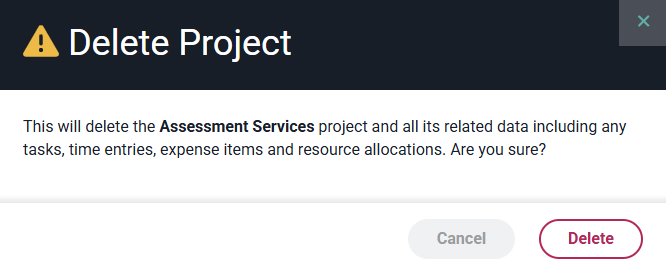
Figure 6 - Confirm your Action to Permanently Delete a Project and all Associated Data in Ruddr
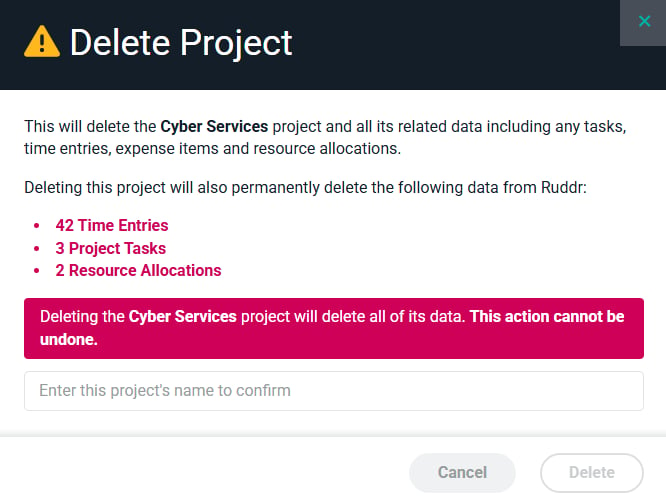
Figure 7 - Confirm the Action to Permanently Delete a Project Along With All Related Data