

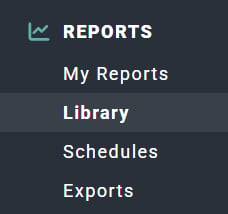
Figure 1 - Clicking on Library in the Reports Section of the Main Nav Bar to Access the Reports Library

Figure 2 - Forecast Reports in the Report Library
- Month
- Week
- Day
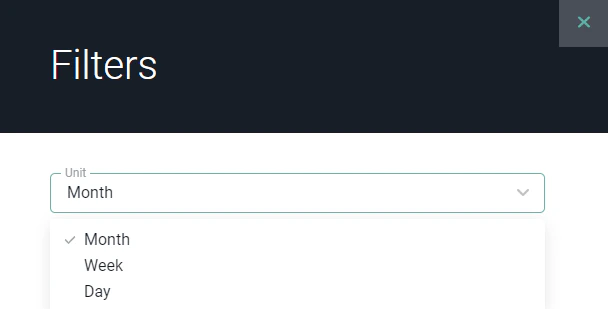
Figure 3 - Change the Unit by which you Choose to View the Forecast Reports
- In Progress
- Not Started
Performance Forecast by Project
A project performance report combining past actuals and the future plan. This report defaults to showing all active projects in the workspace and does not factor in a time frame, as it covers the entirety of projects’ actuals and plan. This report includes the following forecasted metrics for projects in your workspace:- Hours
- Realization Rate
- Total Revenue
- Effective Bill Rate
- Total Cost
- Total Gross Profit
- Total Gross Margin
Performance Forecast by Project by Time Unit
A view of forecasted project performance for a specific timeframe. This report shows starting values prior to the reporting period, values for each time unit, and ending forecast values. When viewing the report, you have the ability to specify which project metric for which you want to view forecast:- Total Revenue
- Total Gross Profit
- Total Cost
- Total Gross Margin
- Total Hours