

Once a draft invoice has been reviewed for accuracy, it is ready to be published. An invoice can be published from the invoices list screen or from the draft invoice itself. In order to publish an invoice, you must have client-level Publish and send invoices, and record payments permissions on your security role. To publish an invoice, simply click on the Publish option from the invoice action menu (Figure 1).
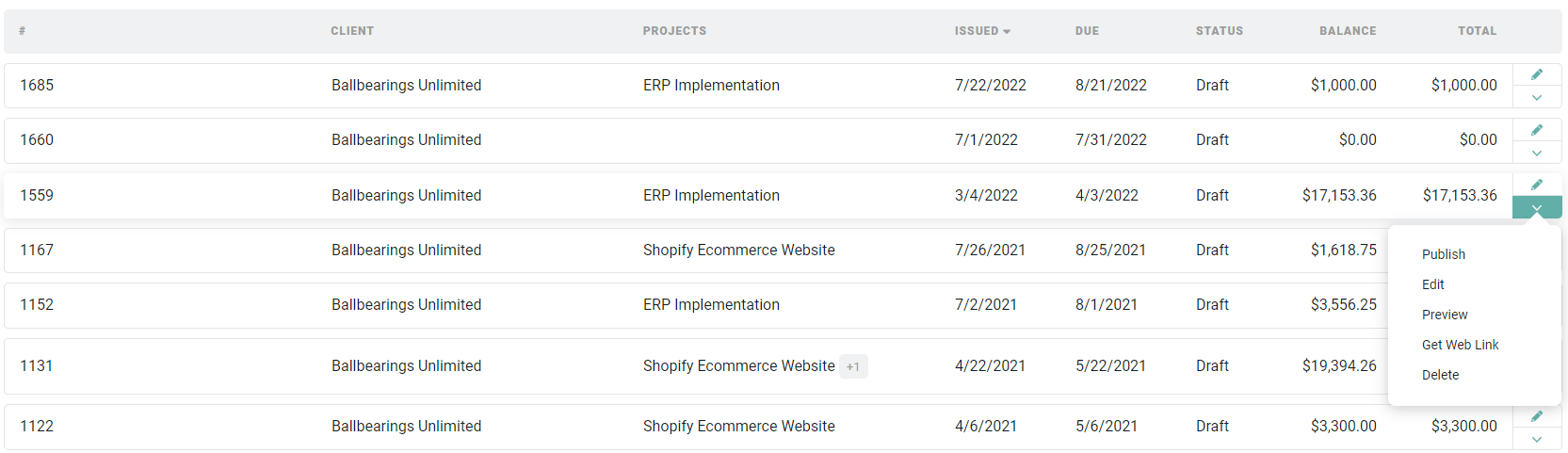
Figure 1 - From the Invoices List, you can Publish an Invoice from the Action Menu
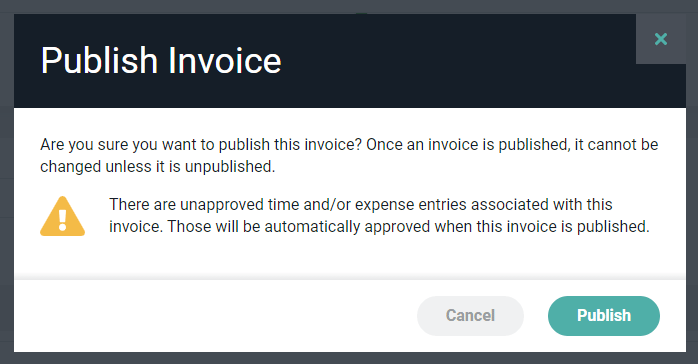
Figure 2 - Confirm Action to Publish Invoice