

- Workspace settings: here, you can set the default workflow for the entire workspace (Figure 1).
- Project Settings tab: when editing project details, you can modify the approval workflow for both time and expenses for that specific project. This is located in the Approval Options section (Figure 2) of the Overview on the project’s Settings tab.
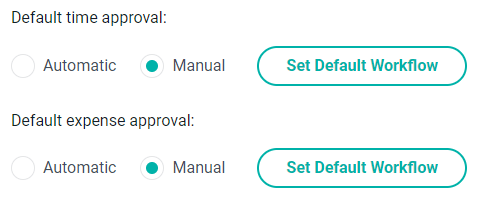
Figure 1 - Set Default Workflow Appears in the Workspace Settings
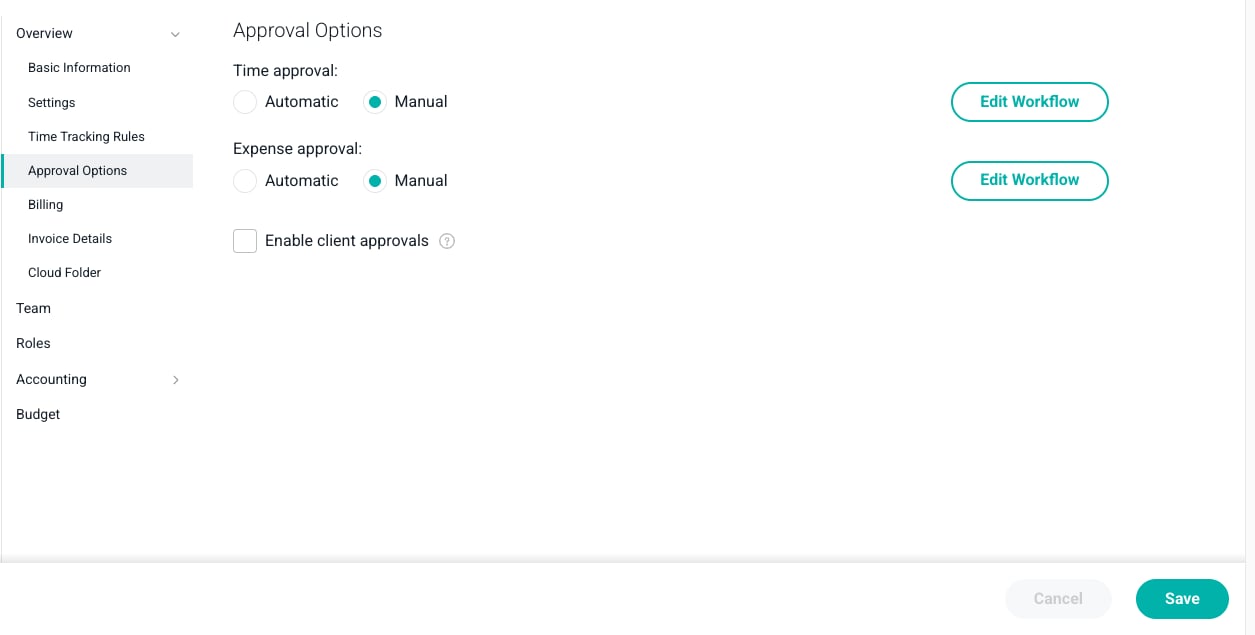
Figure 2 - Editing the Approval Workflows for a Project
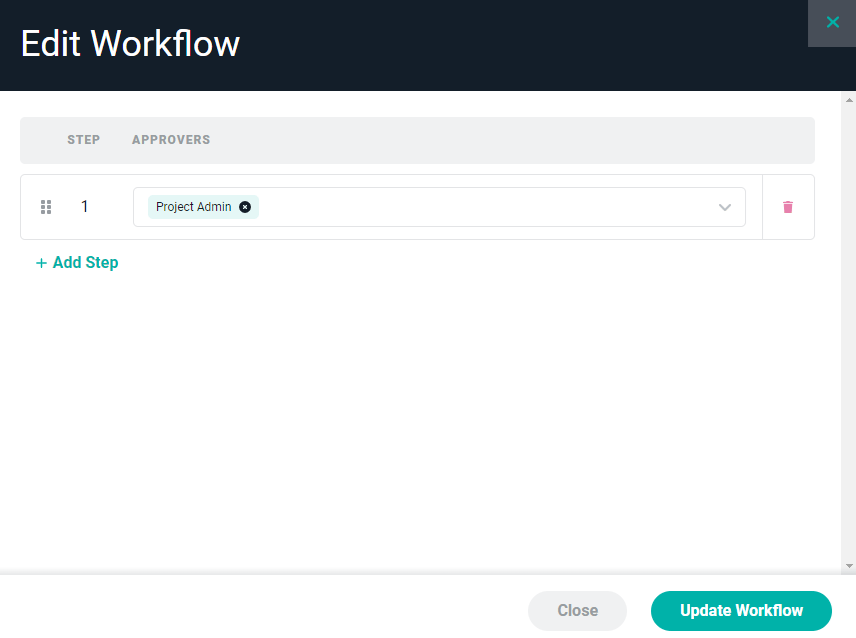
Figure 3 - Approval Workflow to be Edited
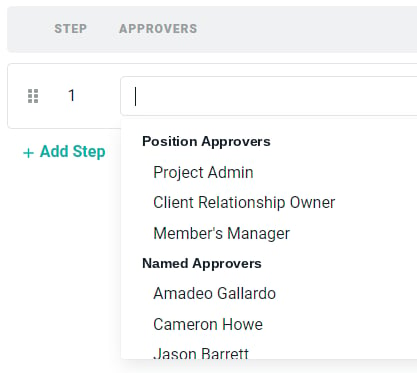
Figure 4 - Select a Position Approver or Named Approver for any Step Created for the Approval Workflow

Figure 5 - Handle for Rearranging Order of Workflow Steps
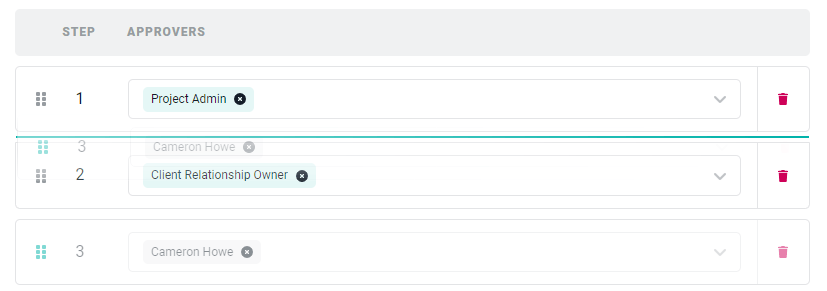
Figure 6 - Moving Step Number 3 up in the Order to Number 2
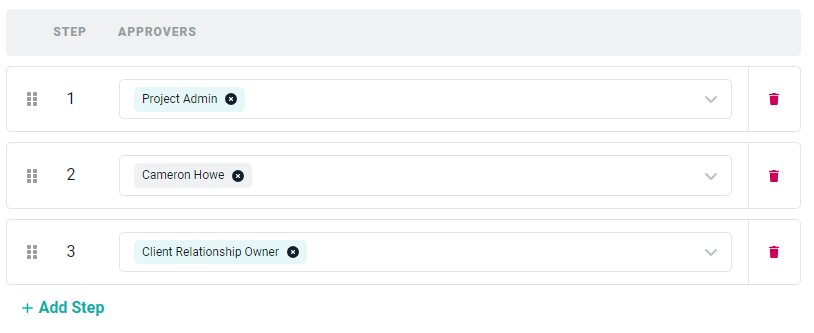
Figure 7 - Our Finalized Workflow