

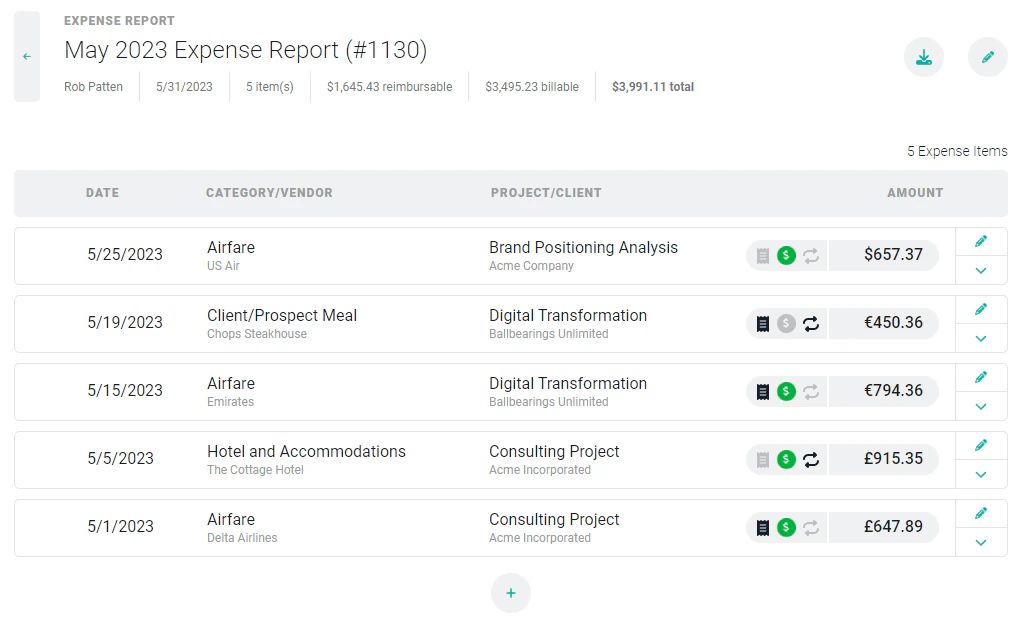
Figure 1 - Expense Report with Multiple Currencies
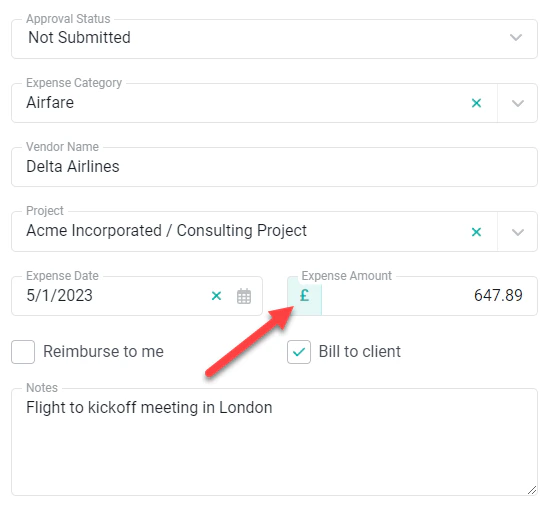
Figure 2 - Expense Currency Set Automatically via Project Selection
Project Expenses
Project-level expenses that are added in the Project Expenses ledger of the project’s Settings tab (Figure 3) will automatically use the project’s set currency. All expenses recorded against a project must use the project’s currency.
Figure 3 - Project Expenses on the Expenses Ledger