

- Tentative
- Not Started
- In Progress
- Paused
- Completed
- Cancelled
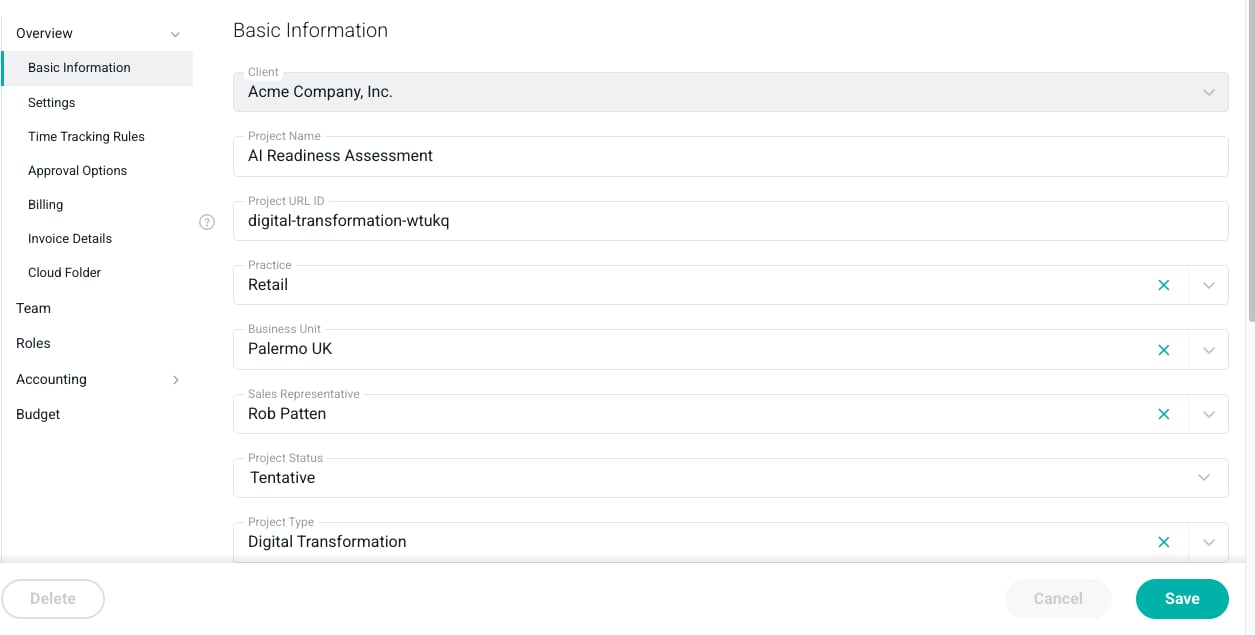
Figure 1 - Specify the Current Project Status
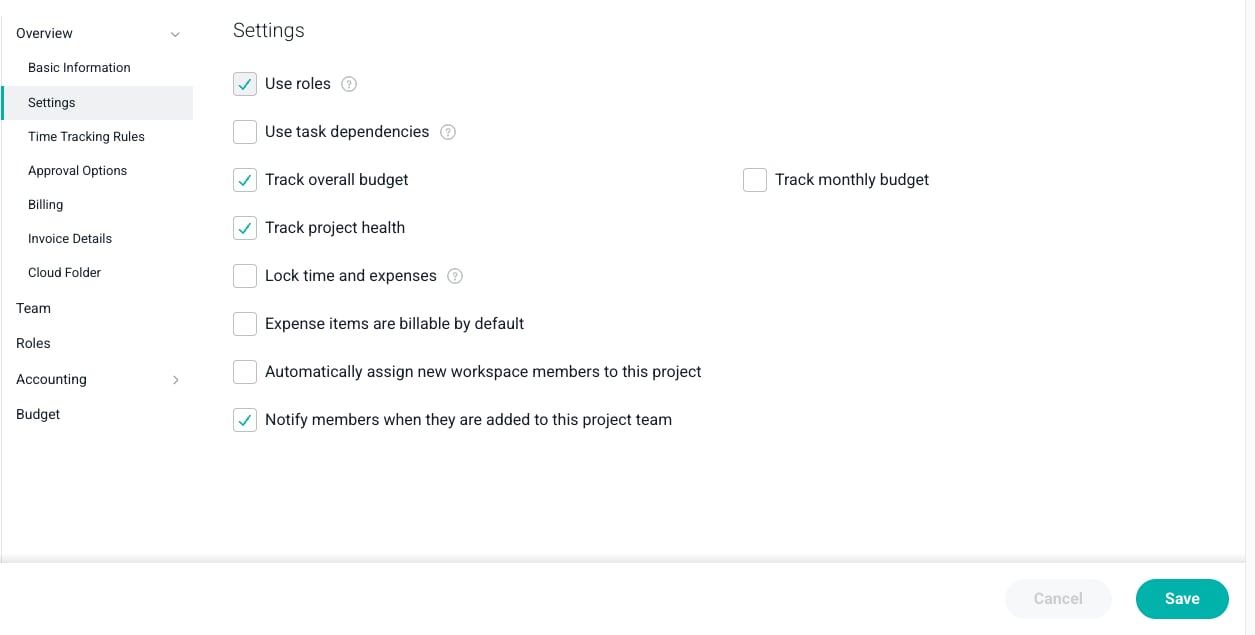
Figure 2 - Set the Lock Time and Expenses option on the Project to Prevent New Time and Expense Entries
- Allocations on a tentative project will display with diagonal striped treatment in the allocations grid.
- Plan for capacity without assigning people as project team members.