

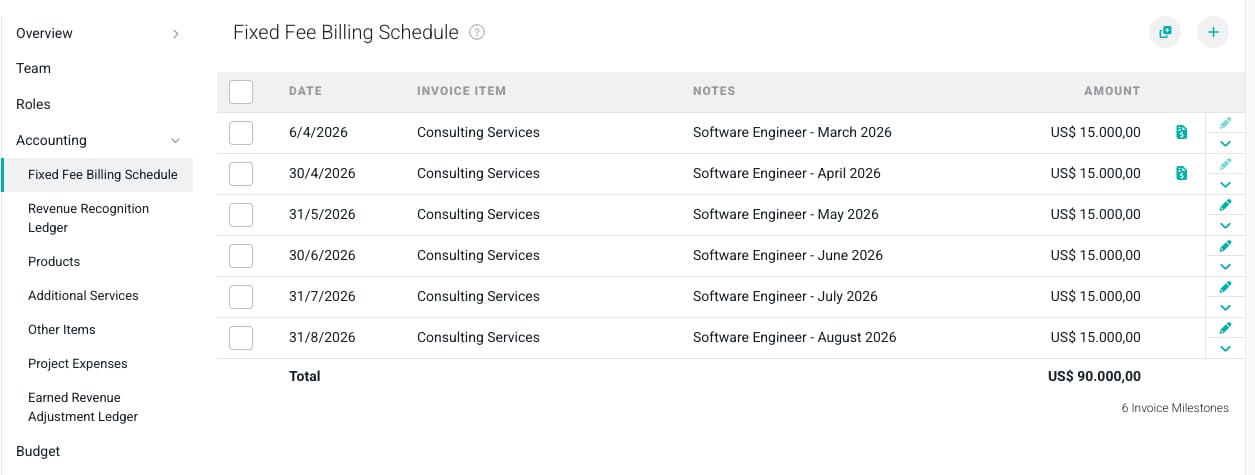
Figure 1 - Accounting Tab will Include a Billing Schedule for Fixed Fee and Fixed Monthly Projects
Fixed Monthly Billing Schedules
A Fixed Monthly project is one in which you will invoice the client the same amount each month. These projects are essentially a monthly, fixed fee engagement that recurs for specified number of months. The billing schedule (Figure 2) for a fixed monthly project allows you to create individual billing schedule items and will also allow you to “build out” a billing schedule, based on a date range and a recurring Fixed Monthly Fee amount.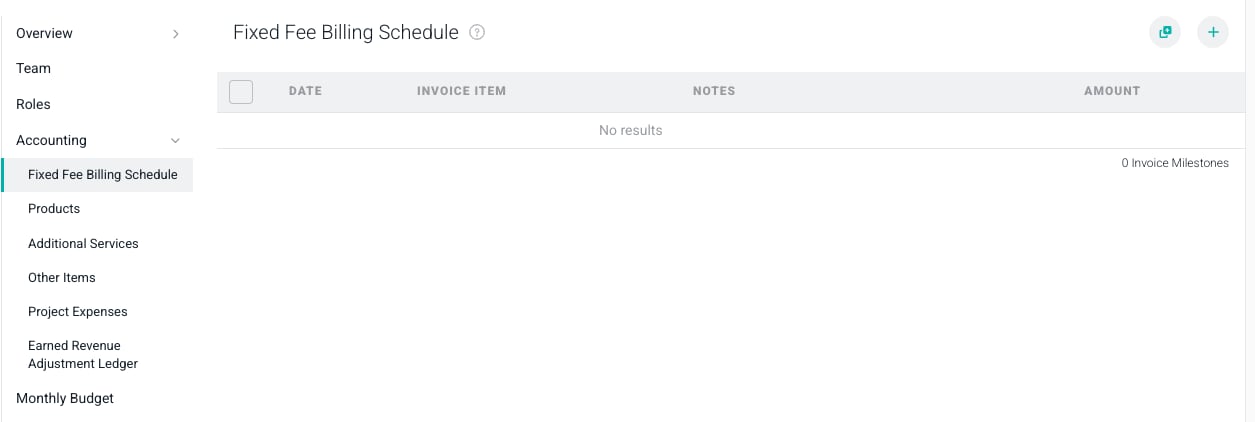
Figure 2 - Fixed Monthly Billing Schedule
- Include a quantity and rate for this milestone - if you would like to specify a quantity and rate for the milestone, check this box and you will be presented with form fields to enter these values. When entered, the Amount will be calculated for you.
- Starting Month - provide the first month for which you want to create a billing milestone
- Ending Month - provide the last month for which you want a billing milestone created
- Scheduled on Day - enter the day of the month on which you want the billing milestone to be available for invoicing. On these dates each month, the billing milestone will appear in the Ready to Bill screen.
- Invoice Item - the invoice item will be set on the invoice line associated with this milestone when an invoice is created for the milestone.
- Milestone Description - provide a description that you would like to assign to the milestone. Note that this milestone description will be the default description assigned to the invoice line item associated with this milestone.
- Append Month and Year - select this setting if you would like to include the Month and Year of the billing schedule item inline with the milestone description.
- Amount - the monthly amount you wish to invoice for this milestone
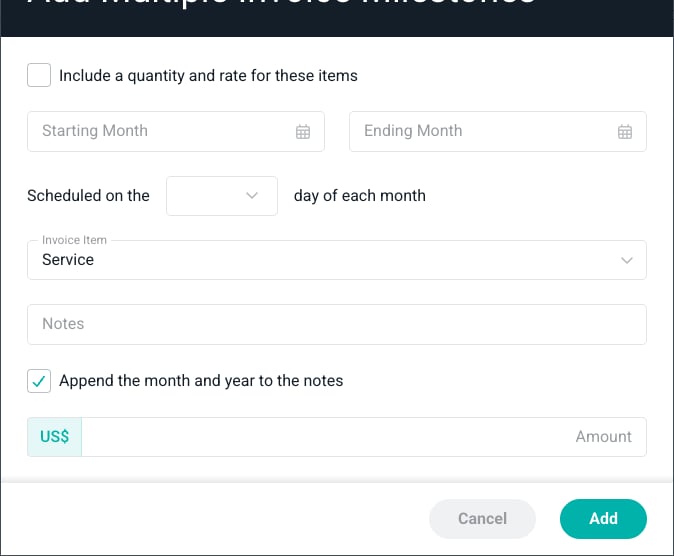
Figure 3 - Create Multiple Invoice Milestones for a Fixed Monthly Project
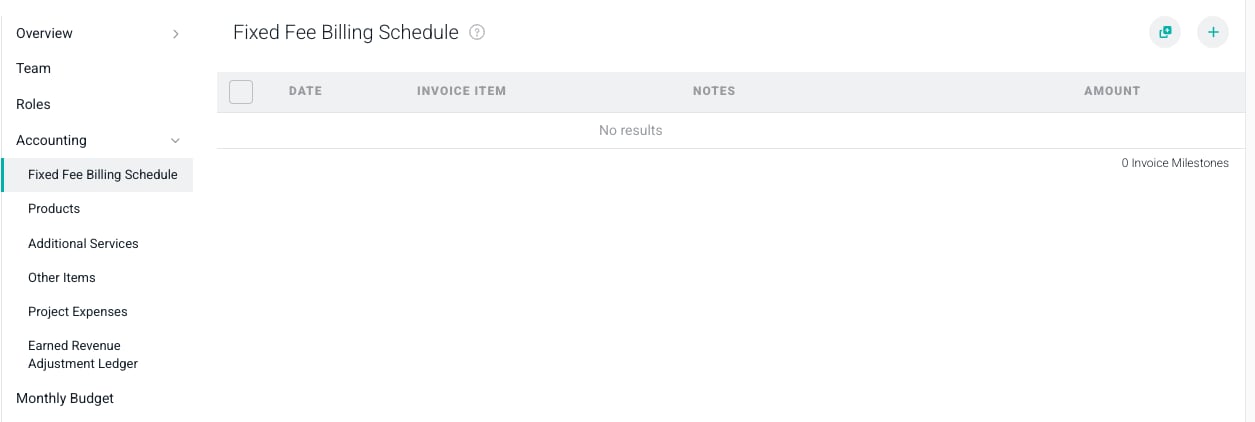
Figure 4 - Items with a Monthly Bill Date of the 7th on the Fixed Fee Billing Schedule of a Fixed Monthly Project