

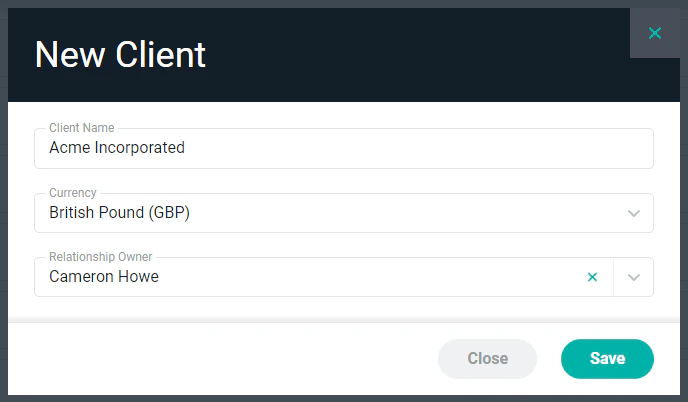
Figure 1 - New Client Window
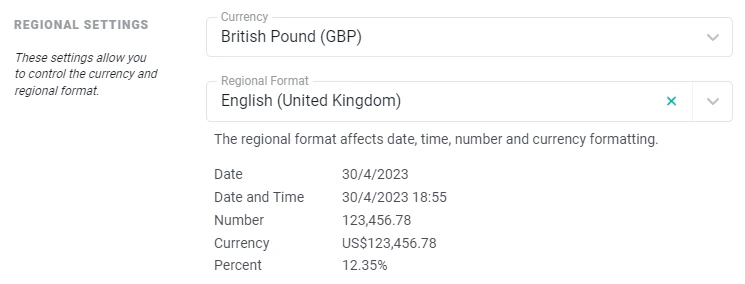
Figure 2 - Client Regional Settings
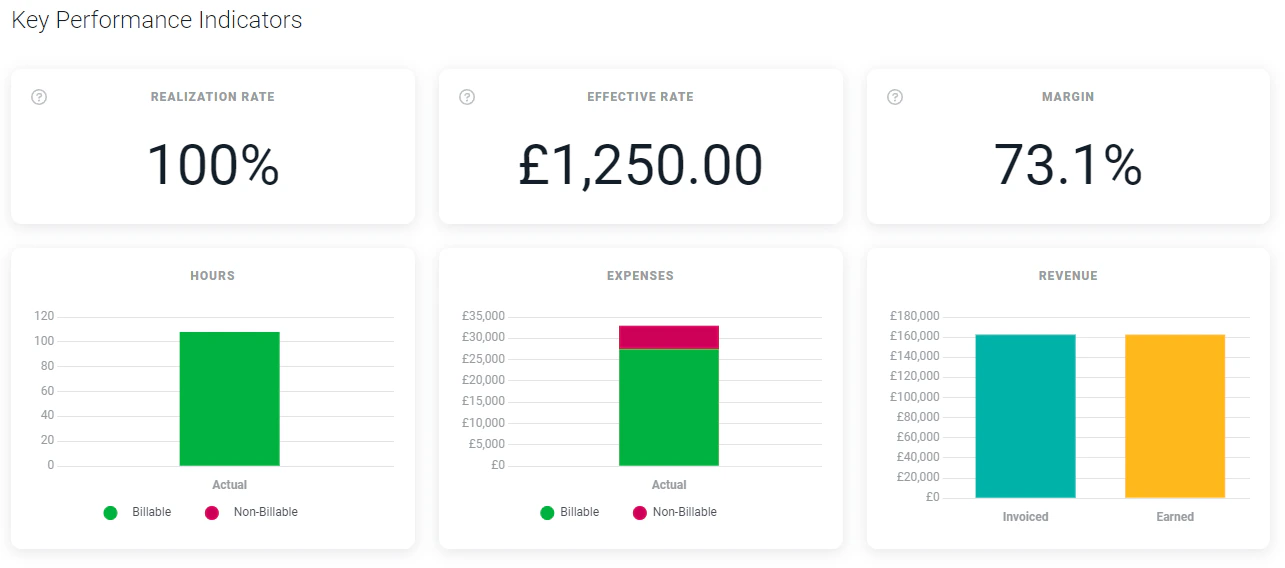
Figure 3 - Client Dashboard Key Performance Indicators
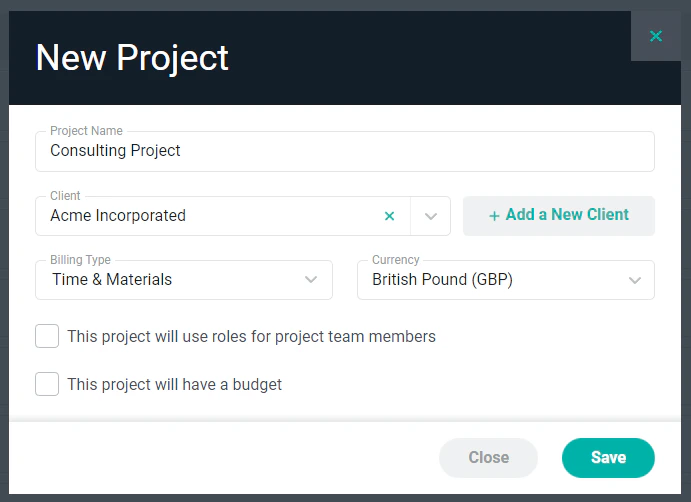
Figure 4 - New Project Window
Client Roles and Rates
The Roles tab (Figure 5) of the Edit Client drawer allows you to set up predefined roles and rates for a client. This can be helpful when different rates are negotiated with each client. In the event that projects will be delivered in multiple currencies within a single client, separate roles and rates can be created per currency. The example below shows the Roles tab on the Edit Client drawer for a client with projects in both United States Dollars and Japanese Yen. The Roles section on the project’s Settings tab will only show roles and rates that are in that project’s currency. For more on client roles and rates, please refer to the Client Roles article in the Ruddr Help Center.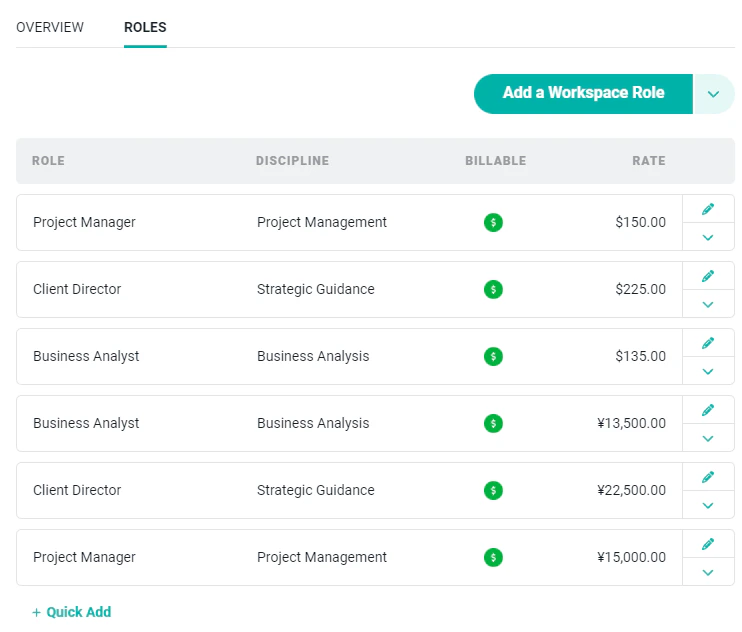
Figure 5 - Roles/Rates in US Dollars and Japanese Yen