

Key integration benefits
The Ruddr integration for Xero allows companies to seamlessly connect their accounting and professional services platforms. Below is an overview of the main features of the Xero integration. Save Ruddr Invoices to Xero When a draft invoice in Ruddr is published, the confirmation window (Figure 1) will now include a Save to Xero checkbox that will be checked by default. If this checkbox is checked, the invoice will be published in Ruddr and immediately saved to Xero. If the checkbox is not checked, the invoice will only be published in Ruddr.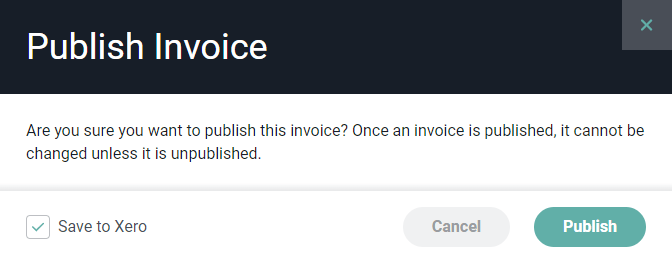
Figure 1 - Publish Invoice and Specify to Publish to Xero
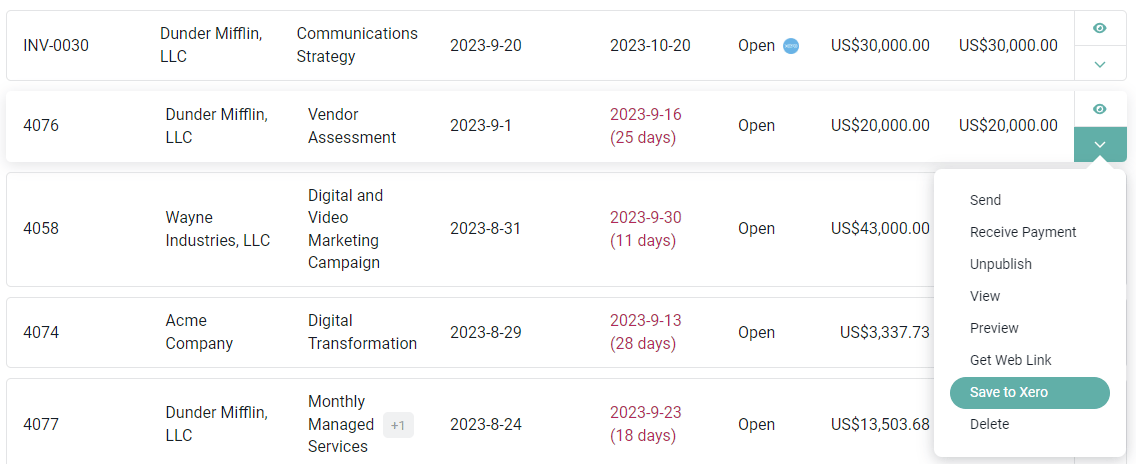
Figure 2 - Invoice Section of Ruddr
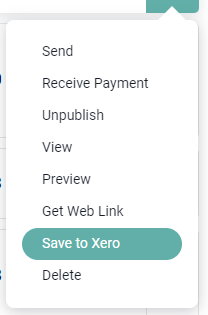
Figure 3 - Detailed Menu on Invoice Row for Published Invoice
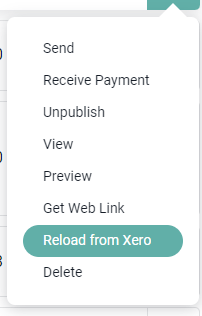
Figure 4 - Detailed Menu on Invoice Row for Invoice that is out of Sync with Xero

Figure 5 - Confirm the Unpublishing an Invoice and Removal from Xero
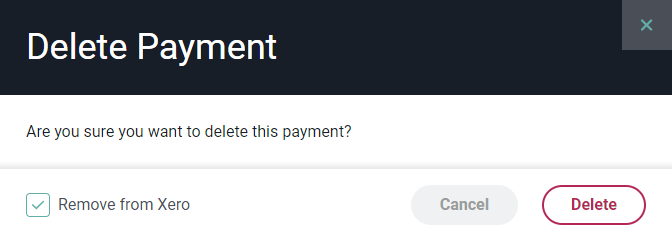
Figure 6 - Choose to Delete a Payment and Remove from Xero
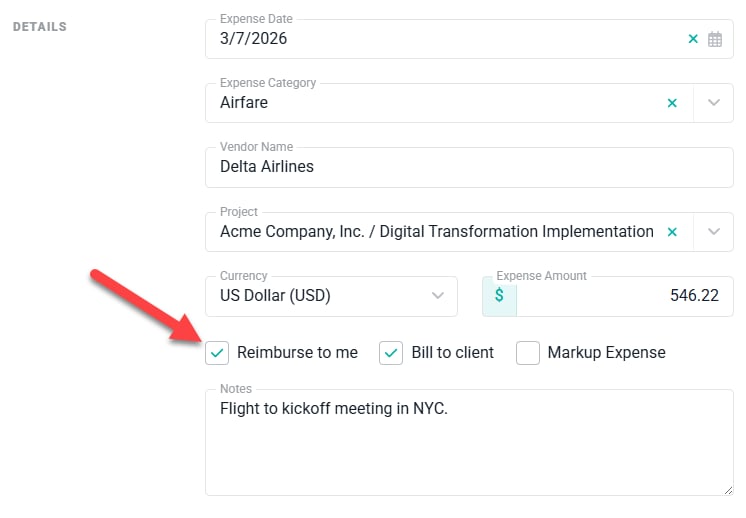
Figure 7 - Set the Expense Item as Reimbursable

Figure 8 - Expense Items Show as Reimbursed once the Bill is Paid in Xero