

- Optimal Revenue Generation - Resourcing helps ensure that all team members have enough work. This enables the organization as a whole to achieve its billable utilization and revenue goals for the period.
- Proactive Recruiting - Resourcing helps you understand the future demand on your resource supply for months into the future. This information informs internal recruiters as to the specific skills and roles needed by the organization.
- Higher Client Satisfaction - Without a resourcing system, new projects sometimes don’t start on time because team members are still working on other projects. With a resourcing system in place, projects are more likely to start on time which protects client satisfaction.
- Lower Turnover and Better Morale - When an organization lacks a resourcing system, it periodically creates “feast or famine” situations for the team members. Sometimes team members have more work than they can possibly deliver and other times they have very little work. Both of these extremes result in lower morale and higher turnover.
Enabling Resourcing in Ruddr
The resourcing feature in Ruddr can be enabled or disabled within the Features section (Figure 1) of workspace Settings. Since smaller organizations may not need resourcing capabilities, Ruddr allows this feature set to be turned off. To enable or disable resourcing, simply click the Resource Allocations toggle (Figure 2) in the Features section.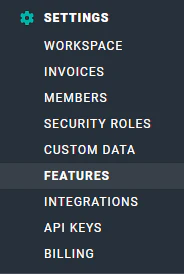
Figure 1 - Access Features from Ruddr Workspace Settings

Figure 2 - Turn on Resource Allocations via the Features Section of Workspace Settings
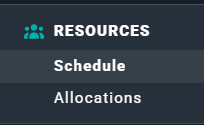
Figure 3 - The Resources Navigation Option, with Schedule and Allocations Sub-Items
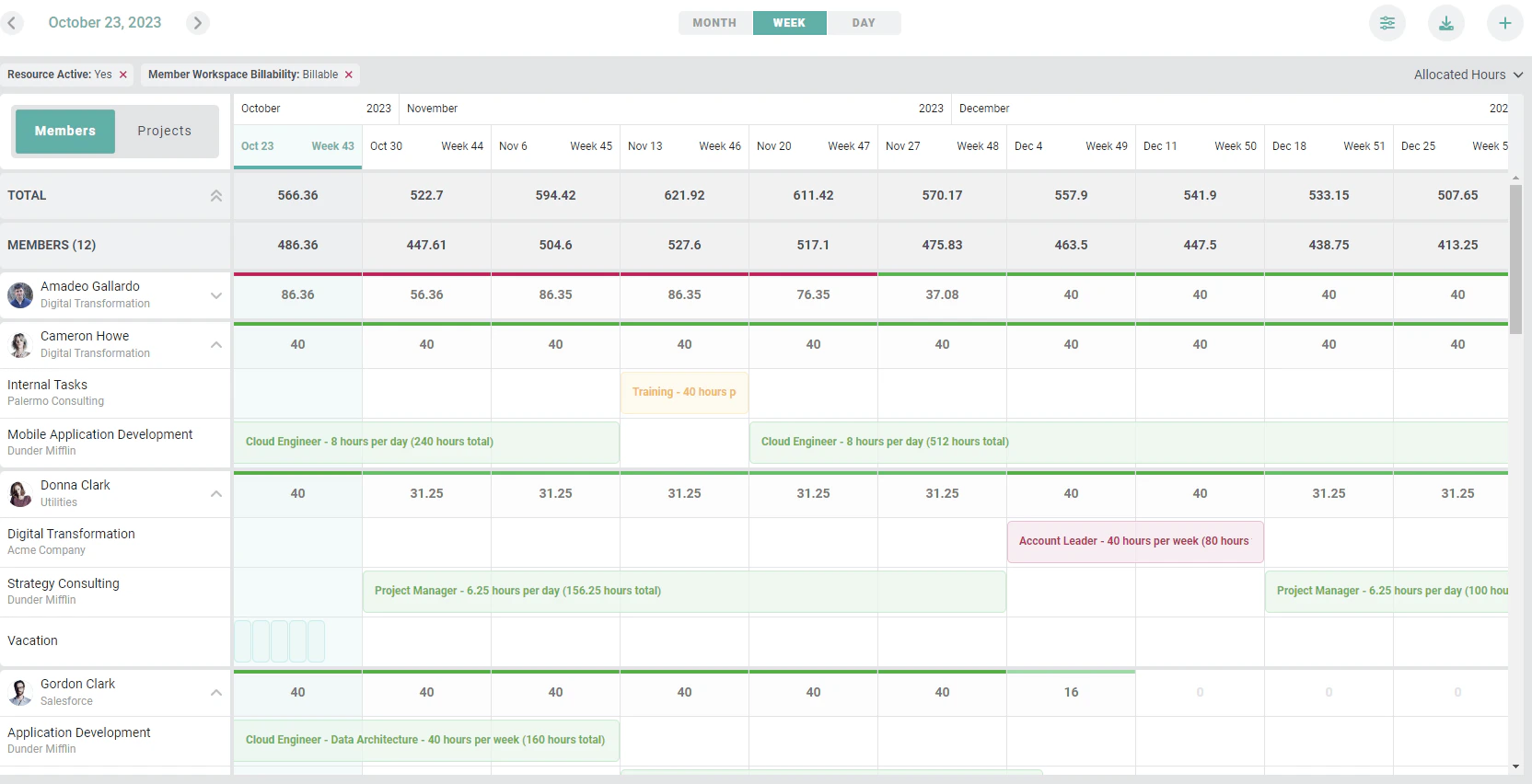
Figure 4 - The Schedule
Resource Allocation Permissions
There are two security role settings that determine if a workspace member can view or administer resource allocations. These settings exist within the Resource Allocation Permissions section (Figure 5) of the security role definition. A Workspace Admin can access the workspace security roles by navigating to Settings from the nav bar and clicking on the Security Roles section. The two security role options relevant to resource allocation are shown below.
Figure 5 - Set Applicable Resource Allocations Permissions when Defining Security Roles