

Key Integration Benefits
The Ruddr integration for these cloud storage provides allows you to associate a cloud folder with each project in Ruddr. This provides your team with simple one-click access to all of the important files related to the project. This could include the contract, deliverables, design artifacts, status reports, background materials, and the like.Cloud Storage Setup
The cloud storage integration for Ruddr is enabled by default and you do not need to install it. You simply need to copy the URL of the shared folder into the Cloud Folder field in the Overview section of the project’s Settings tab (for more information on Ruddr projects, visit the Projects section in the help center).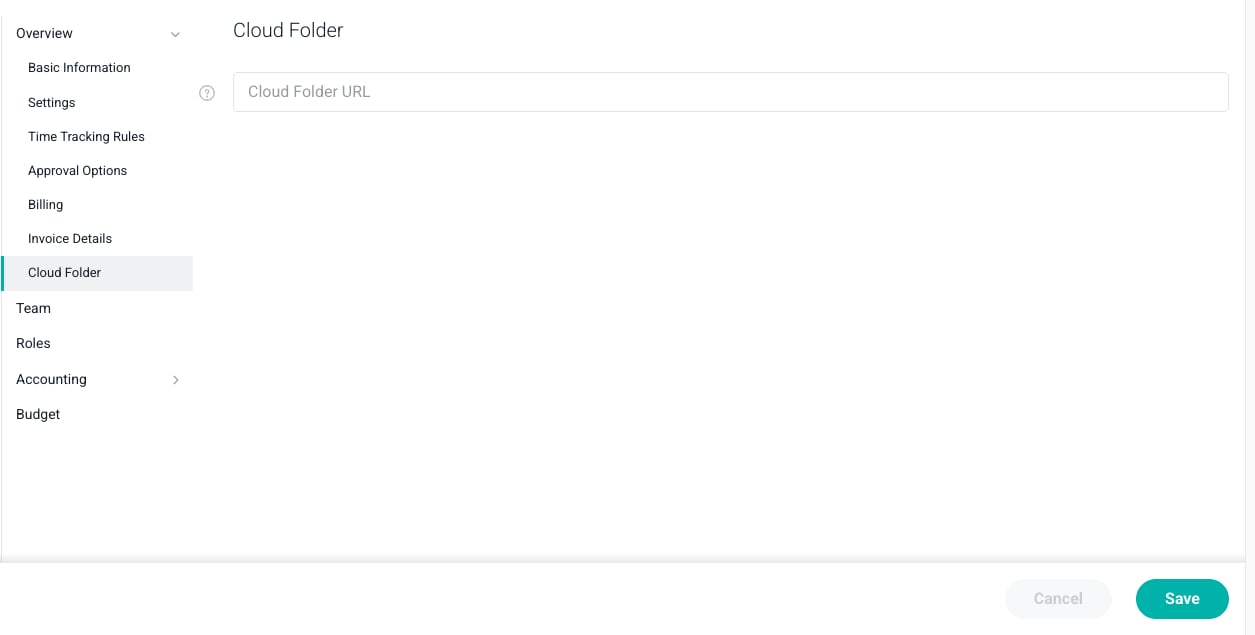
Figure 1 - Enter the URL to a Shared Folder on Your Cloud Storage Platform
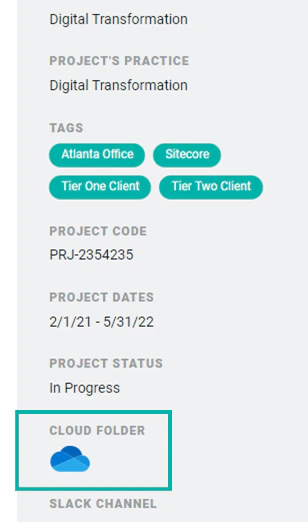
Figure 2 - Click on the Cloud Folder Icon to Access the Content of Your Project Shared Folder