

Receive and Accept a Workspace Invitation
A workspace administrator must send you an invitation to join their workspace. This invitation will be sent via email (Figure 1), which will have a Join workspace link that you can click to join the workspace. If you already have an account, you may be prompted to log in, at which time you will be taken to the workspace. If you don’t have an account yet, you will be prompted to create one (Figure 2). Upon supplying your name and a password, agreeing to the terms, and clicking Join Workspace, you will be taken to the workspace.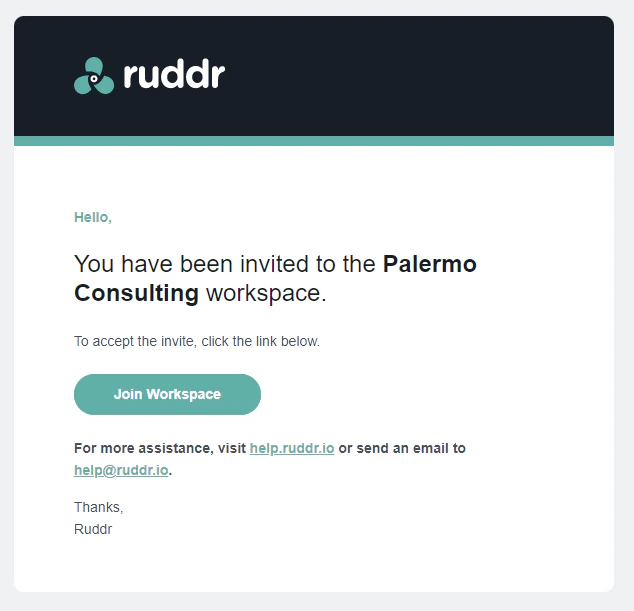
Figure 1 - Click Join Workspace in the Email to Accept the Invitation
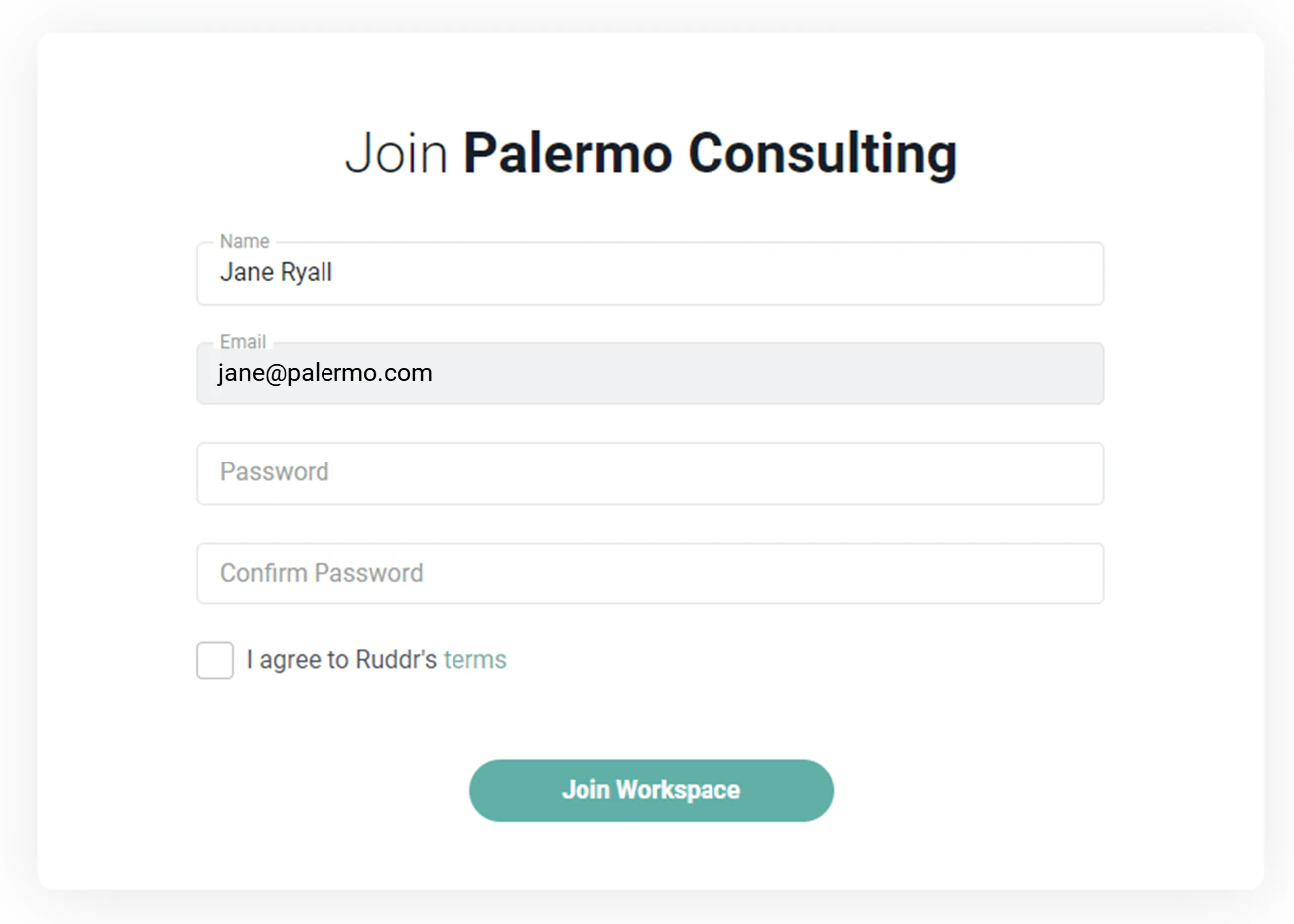
Figure 2 - Create Your Ruddr Account to Accept Workspace Invitation