

- Go to Settings ⚙ and select Account and settings.
- Select Sales.
- In Sales form content, select Edit ✎.
- Turn Custom transaction numbers on or off.
- Select Save, then select Done.
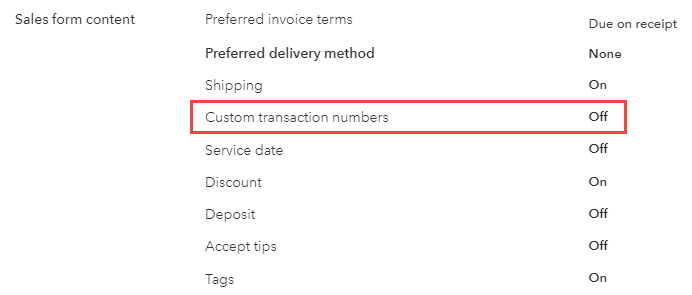
Figure 1 - Custom Transaction Numbers Setting in QuickBooks Online

Figure 2 - Duplicate Invoice Number Error Message